
01
Define
Name the purpose, people, and workflow. Determine what data your app will need.
Define the process, design the app, and put it to work. AI, visual tools, and source changes use the same permissions and release controls.
01
Name the purpose, people, and workflow. Determine what data your app will need.
02
Shape screens and behavior. Use your own AI tools to iterate against the actual app.
03
Check workflows and permissions. Require the right review before release.
04
Deploy an approved version, monitor it, and keep improving.
DESIGN & BUILD
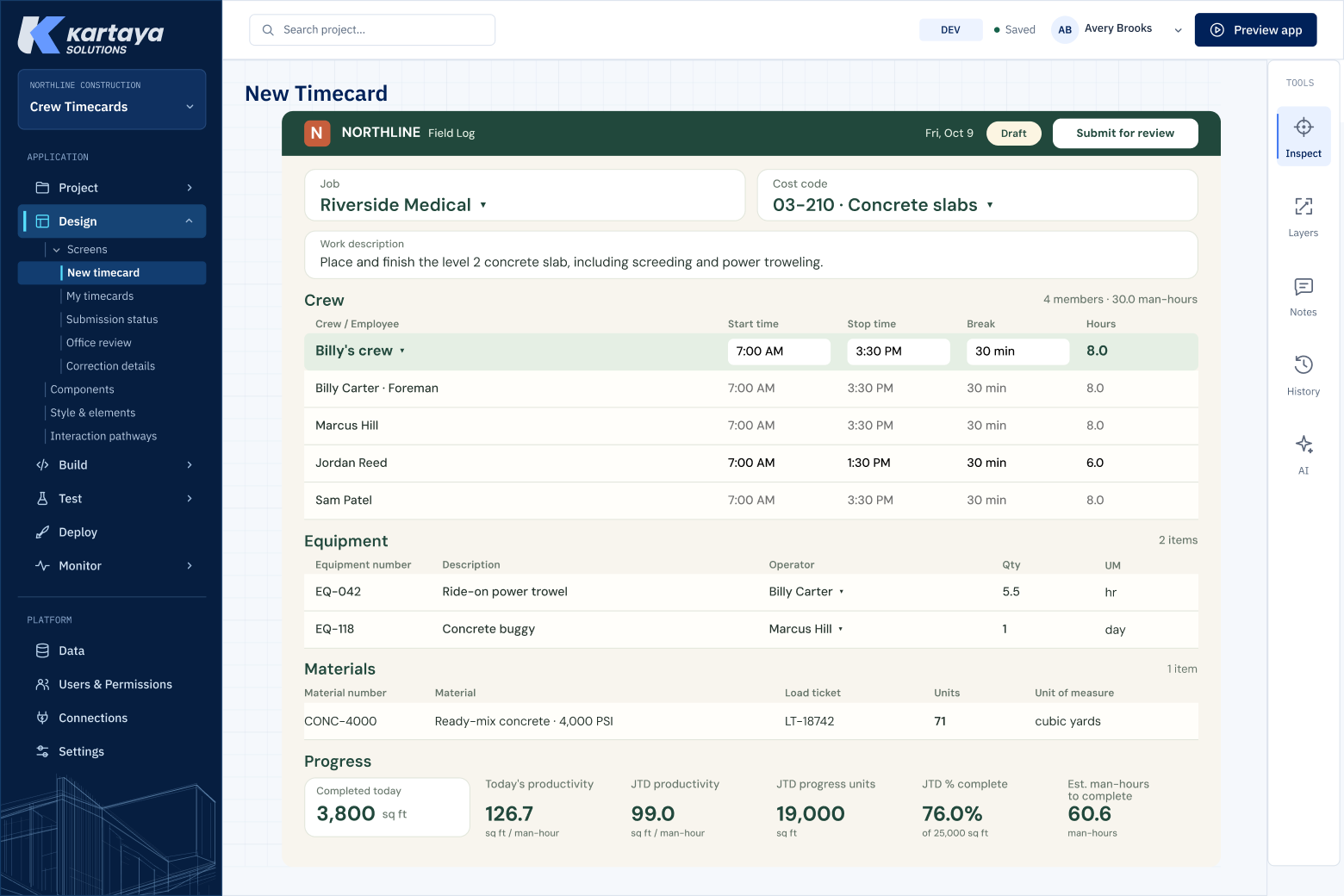
Design the screens and interaction paths around the work. Your app has its own brand and components.
DATA CONNECTIONS
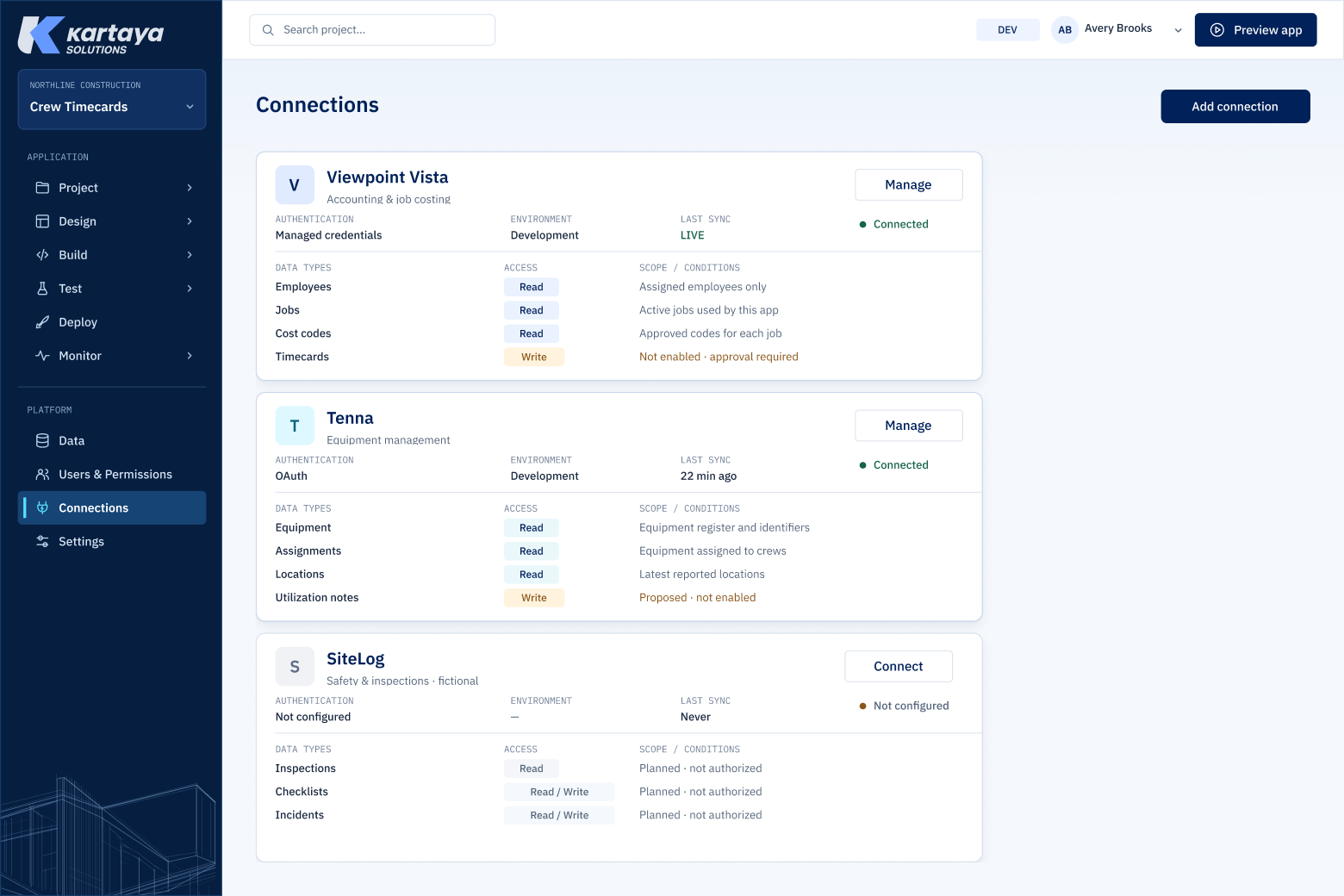
Start with Vista data, connect to other systems, and combine the data to make a powerful app.
TEST & APPROVE
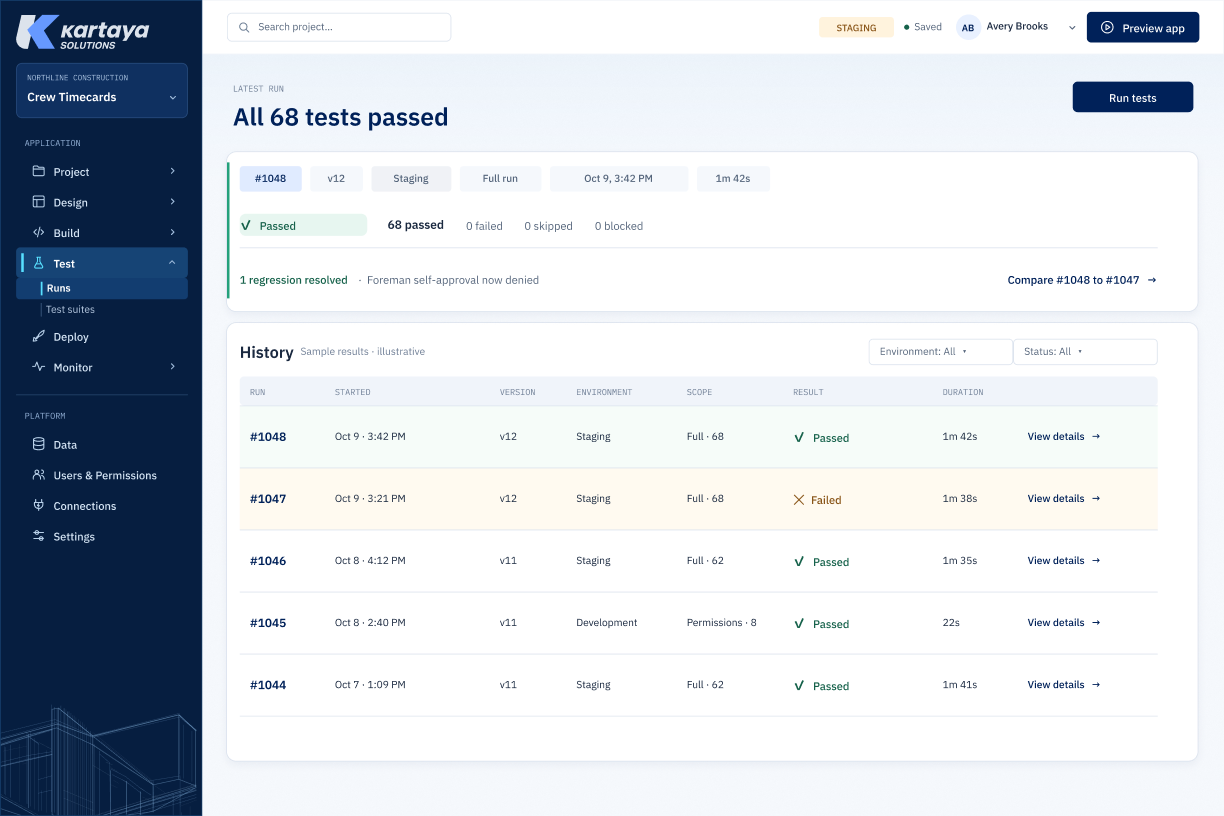
See the run, version, environment, and result together.
Roles and delegated AI access define who can do what.
MONITOR & IMPROVE
See health, errors, resource warnings, and recent activity.

Bring your first app idea and your data, access, or release questions.